Train your working memory.
In 15 minutes a day. No streaks, no dopamine traps, no data.
Four modes. One practice.
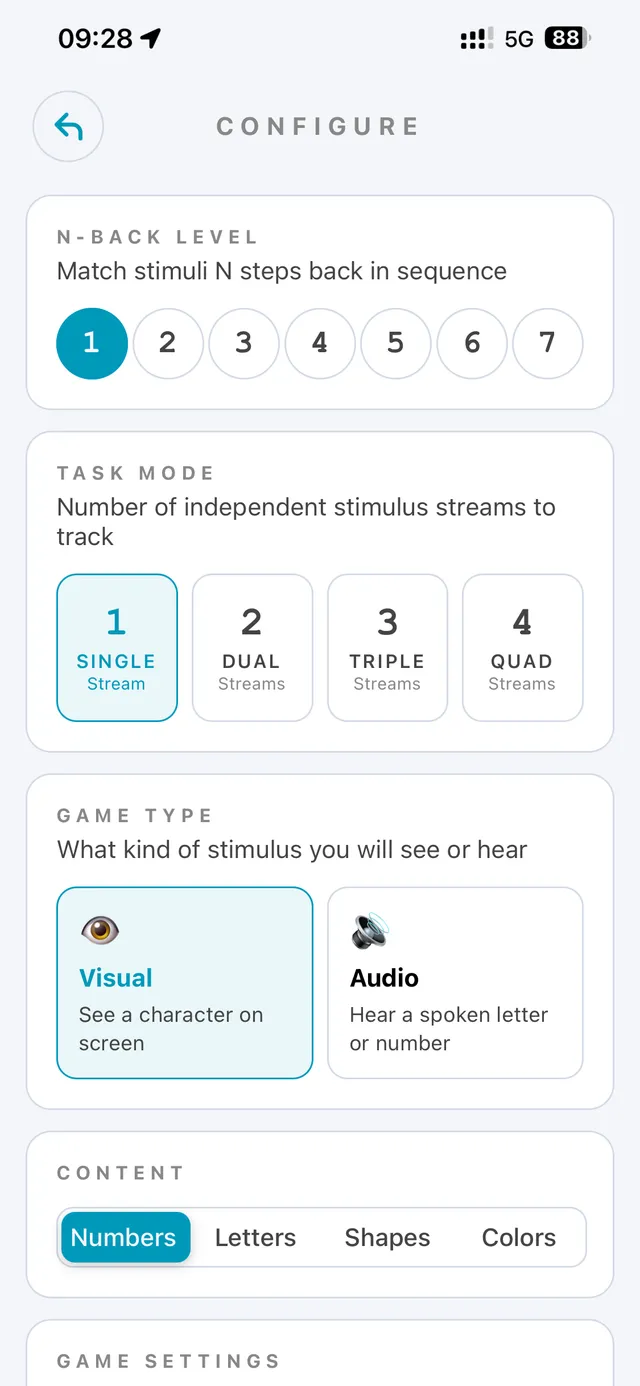
The starting point. One stream.
The science baseline. Two streams.
Real cognitive load. Three streams.
Take it seriously. Four streams.
The N-Back task is one of the few cognitive exercises with real evidence behind it.
Watch, listen, match.
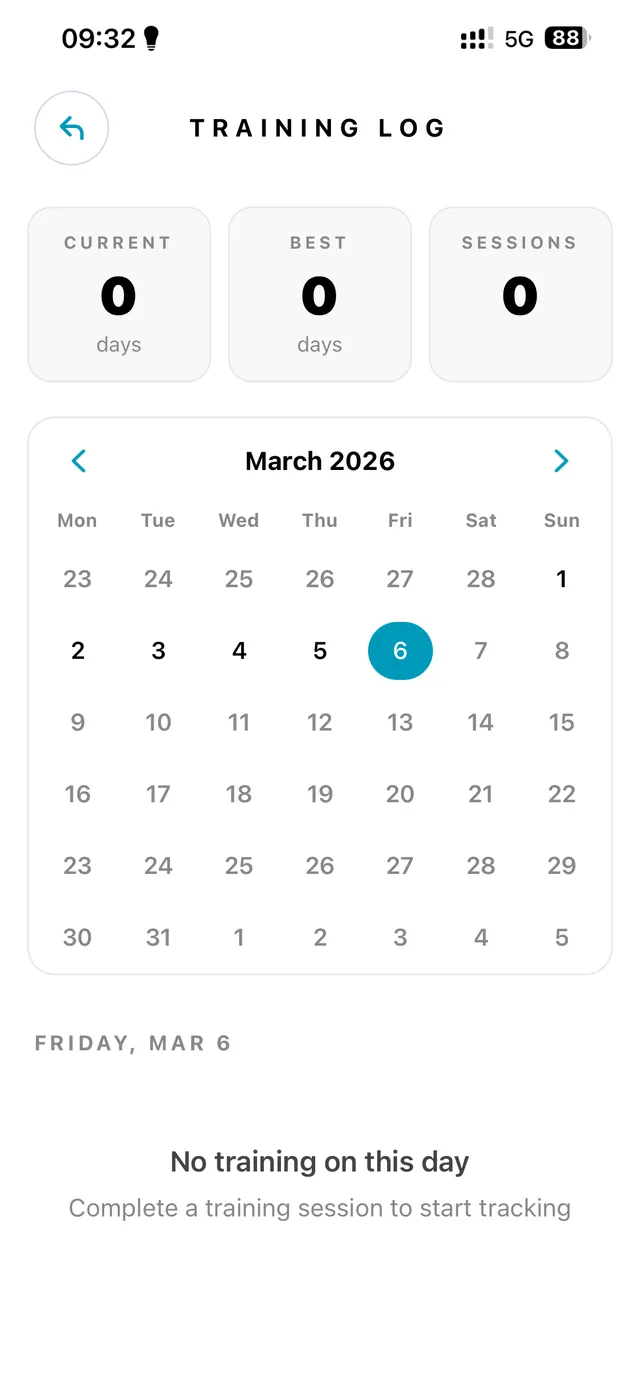
Each session, a stream of stimuli appears: a position on a grid, a sound, a color, a shape. Your job is to recognize when the current stimulus matches the one from n steps back. The higher the n, the harder it gets.
The task has been studied since 1958. It is not a game dressed up as science. It is the science.
Progress, not streaks.
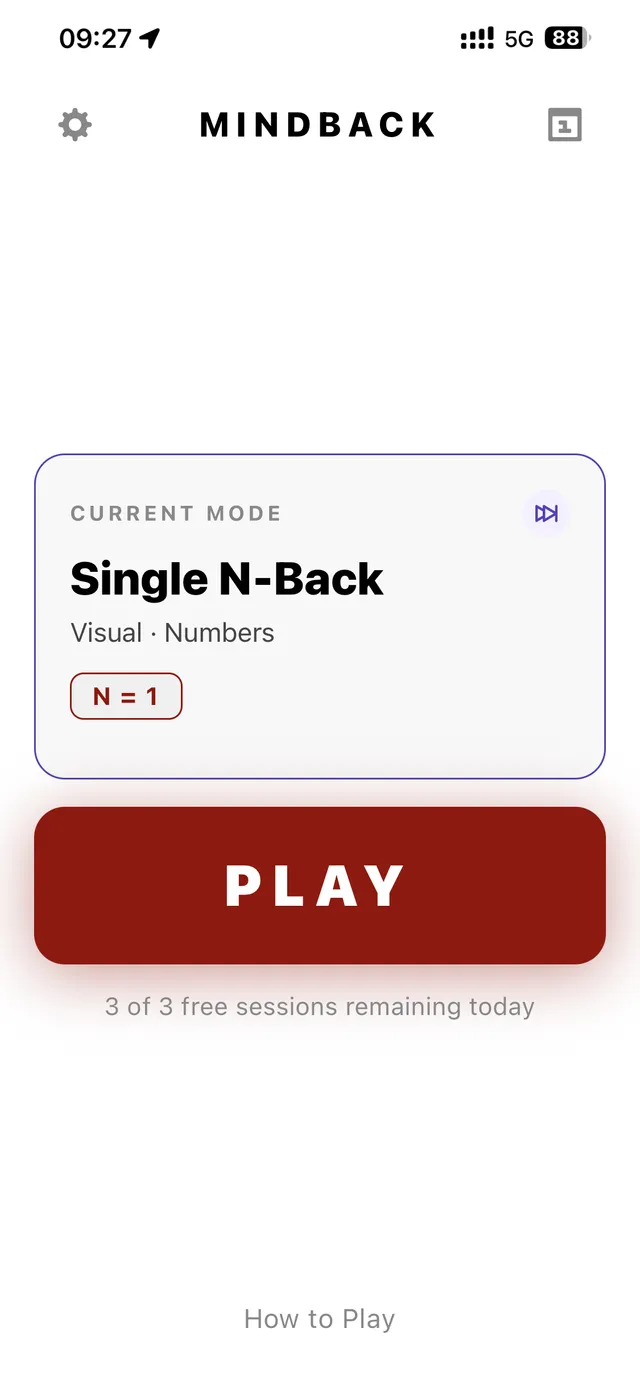
You get session history, per-stream accuracy, weekly breakdowns, and a calendar that shows what you did — not a number that punishes you for missing a day. The app tracks your practice. It does not guilt-trip you into opening it.
Auto-difficulty adjusts the level based on your accuracy. Aim for 75–80% — the sweet spot where your brain actually adapts.
Your data stays on your phone.
No accounts. No servers. No analytics. No "anonymous usage data" that is, of course, not anonymous. Your session history lives in an embedded database on the device. Uninstall the app and it is gone.
This is not a feature we can toggle off in an enterprise plan. It is how the app is built.
Free to start. One payment to remove the daily cap.
All game modes, all 230+ stimulus combinations, full progress history — yours from session one. The only thing the cap does is keep the practice honest.
Free
$0forever
- All four game modes (Single, Dual, Triple, Quad)
- Every stimulus combination
- Session history & daily goals
- Auto-difficulty scaling
- Data stored on your device
- Three sessions per day
Premium
One-timeunlock
- Everything in Free
- Unlimited daily sessions
- Direct support from the developer
Buy once inside the app. No account required.
Questions, mostly pre-empted.
Is this another Lumosity?
No. Lumosity built a subscription business on a weak evidence base. Brainrot is built on the N-back task — one of the few cognitive exercises with real, replicated research behind it. The app is also not gamified. There is no streak count, no daily nag, no email drip campaign, no premium tier with stickers.
Why no streaks?
Streak counters are engagement traps. They punish you for missing a day and reward consistency over quality. A practice that demands 100% adherence is not a practice — it is a hostage situation. Brainrot tracks what you did and when. It does not scold you for taking a Tuesday off.
How does the N-Back task work?
You watch a stream of stimuli (a position on a grid, a sound, a color, a shape). For each one, you decide: does this match the stimulus from N steps back? At N=1, you compare to the previous one. At N=2, two back. As N increases, the working memory load increases — and that load is what trains the underlying capacity.
How much should I train?
Fifteen minutes a day is enough. Consistency matters more than volume. The app auto-adjusts difficulty based on your accuracy — if you are cruising past 90%, it gets harder. If you are below 70%, it backs off. Aim for the 75–80% zone.
Is my data really private?
Yes. There are no accounts, no third-party servers, and no analytics. Your session history is stored in an embedded SQLite database on your device. On iOS you can optionally sync to your own iCloud. On Android you can back up to any cloud provider you use. Uninstall the app and the local data is gone. This is not a marketing claim — you can verify it by watching the app on airplane mode (premium). It works. It cannot phone home.
What does Premium actually cost?
Premium is a one-time unlock, managed through the App Store or Google Play. The price varies slightly by region and platform. There is no subscription, no renewal, and nothing to cancel. Buy it once, train forever.
What if I want a refund?
Refunds go through Apple and Google — we do not process them directly. On iOS, visit reportaproblem.apple.com. On Android, request a refund from your Google Play account. The platform procedures are quick and painless.